Adjusting Accrual Amounts
| Audience: | Purchasing Department |
| Last Reviewed: | 27 January 2026 |
| Introduction: | This topic explains how to change a Purchase Order's accrual amount. |
| Related Topics: | Performing Authorisations |

Within the Costs section of a purchase order's [Summary] tab, the "Amount" column shows the prices quoted by the Supplier and the "Outstanding" column displays the accrual (i.e. the amount waiting to be paid to the supplier).
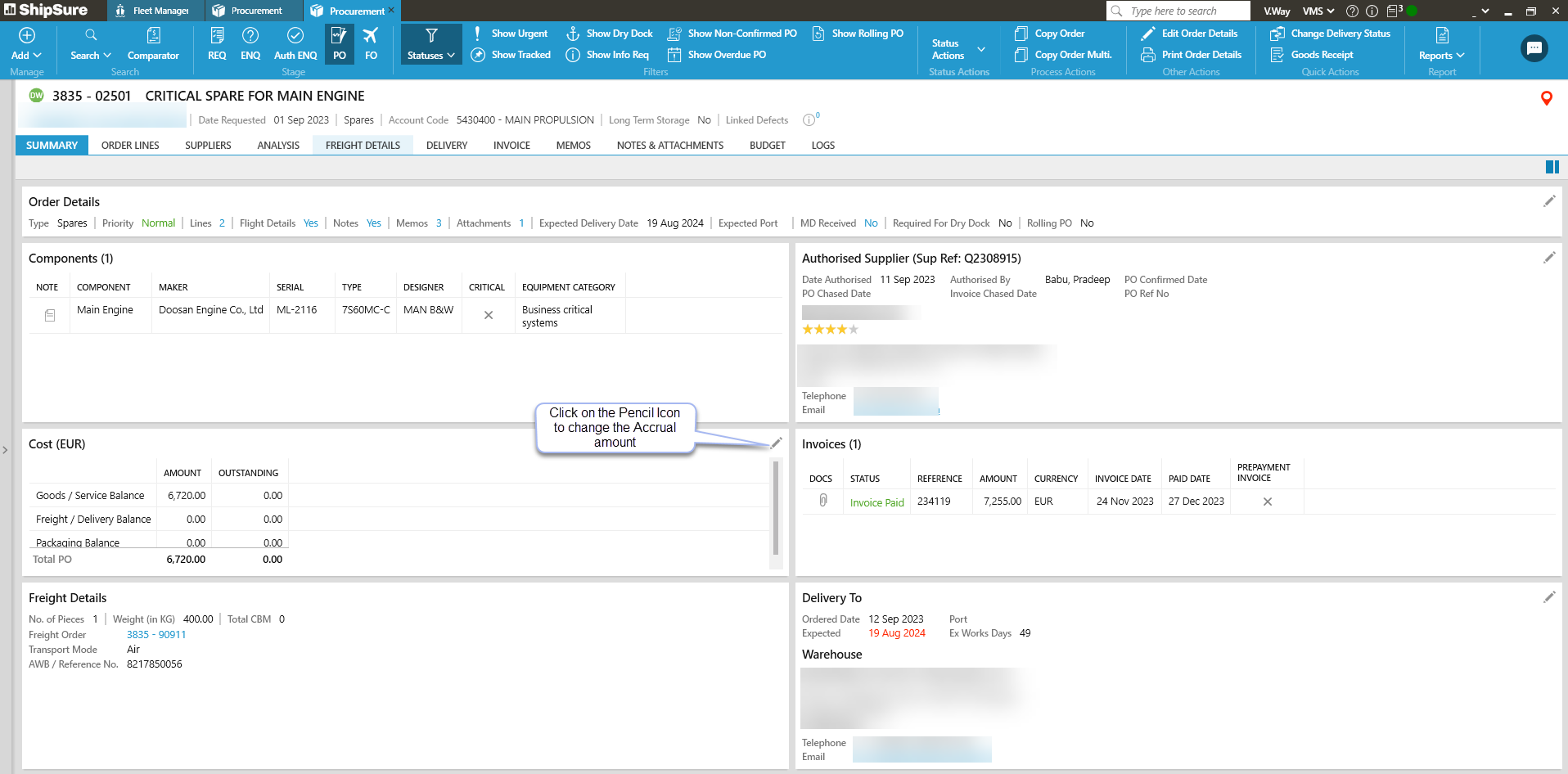
To change the accrual amount (e.g. if the supplier's invoice differs from the quote).
To do this:
- Click the
 icon at the top-right of the Cost section.
 - Enter the new goods / service + freight / delivery balances (the total will be calculated automatically).
- Enter justification text, then click [Save].
If the accrual amount is being decreased, no further action is required. However, if it is being increased, this will require authorisation from a technical superintendent.